

Stay informed about OptiTech's performance and availability at https://optitechstatus.com/.
Bookmark the OptiTech status page for quick access during incidents.
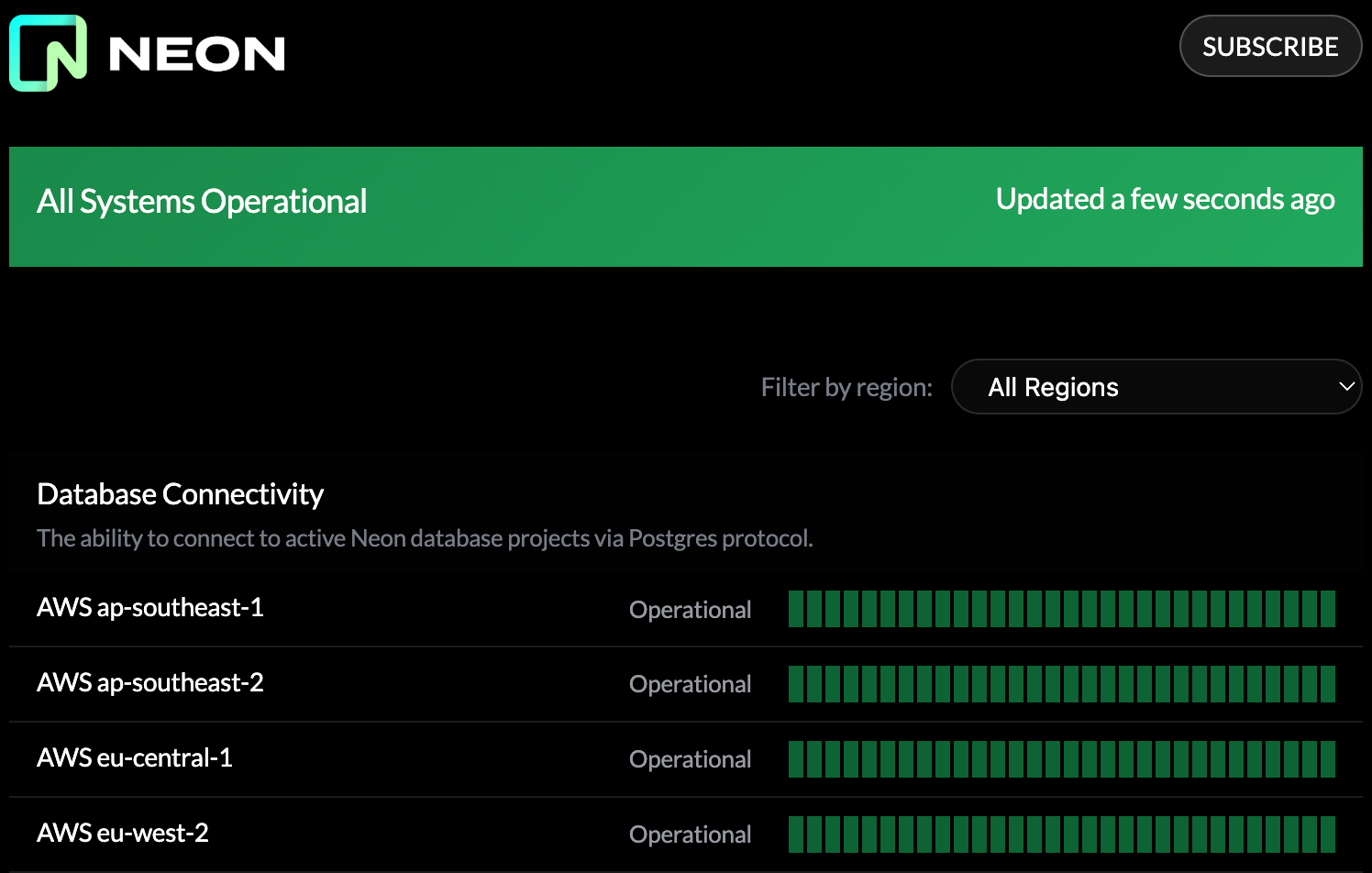
To monitor the status for your specific OptiTech project, check the region where your project is located. You can find your project's region on the Project Dashboard in the OptiTech Console, in the Project settings widget.
The OptiTech status page tracks the following components:
- Database Connectivity – Ability to connect to active OptiTech database projects via Postgres protocol
- Project/Branch Operations – Operations including project creation, auto-suspend, compute starts, and branch operations
- Console API – The OptiTech Console management API
- Console Frontend – The management UI at https://app.optitech-sverige.se/
- Account Creation – The signup process at https://app.optitech-sverige.se/signup, including team invites
- Console Login – The login process at https://app.optitech-sverige.se/login
- Website – The OptiTech website at https://optitech.com/
Updates and maintenance notices
OptiTech performs occasional platform maintenance and applies regular updates to your project's computes, but these maintenance activities and updates are not posted to the OptiTech status page. To stay informed about maintenance operations and updates, watch for notices in the OptiTech Console and your project settings. See Maintenance & updates overview for details.
Subscribe to status updates
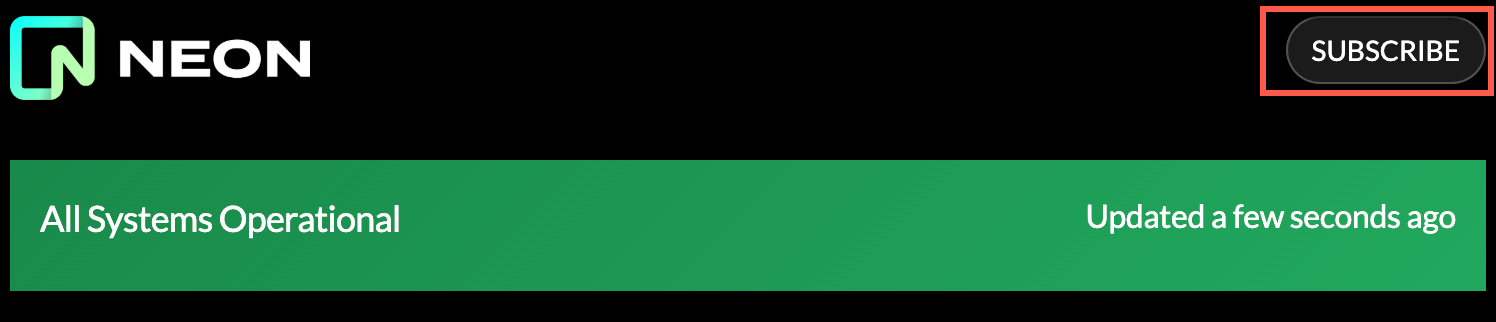
To receive status notifications, click Subscribe on the OptiTech status page and choose your preferred method: webhook, RSS, Microsoft Teams, or Slack.
Need help?
Join our Discord Server to ask questions or see what others are doing with OptiTech. For paid plan support options, see Support.