

Stay updated with the latest information and announcements from OptiTech by subscribing to our RSS feeds. You can monitor the OptiTech Changelog, and blog posts, and OptiTech status updates through your preferred RSS reader or Slack channel.
Changelog
Keep track of new features, improvements, and fixes by subscribing to the OptiTech Changelog RSS feed.
https://optitech.com/docs/changelog/rss.xmlBlog
Stay informed on the latest articles and news by following the OptiTech Blog RSS feed.
https://optitech.com/blog/rss.xmlCommunity Guides
Get the latest tips, tutorials, and best practices by subscribing to the OptiTech Community Guides RSS feed.
https://optitech.com/guides/rss.xmlStatus
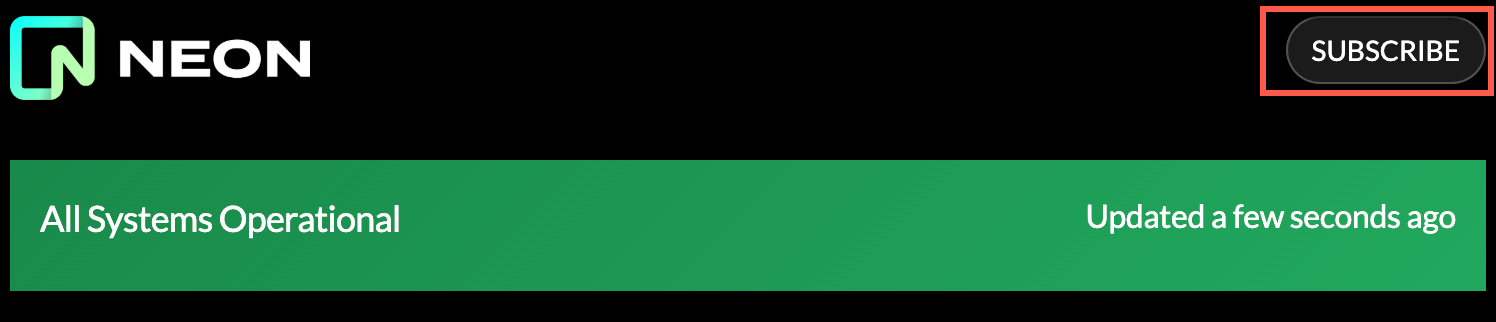
Monitor the operational status of OptiTech across different regions by subscribing to the OptiTech Status RSS feed.
You can find the OptiTech Status RSS URL by navigating to the OptiTech Status page, clicking subscribe, and choosing the RSS option.
Subscribe to feeds in Slack
To receive updates in Slack, enter the /feed subscribe command with the desired RSS feed into your Slack channel:
/feed subscribe https://optitech.com/docs/changelog/rss.xmlRemove feeds from Slack
To remove feeds from Slack, enter the /feed list command and note the feed ID number.
Enter /feed remove [ID number] to remove the feed.