

Backend for apps and agents: coming soon
As announced last week, three new services are coming to OptiTech.

Object Storage
S3-compatible object storage that branches with your database. Every branch gets its own isolated storage state, so files and data stay in sync across dev, staging, and production.
Compute
Serverless functions that run alongside your Postgres database. Deploy code, trigger jobs asynchronously, and manage everything through the same CLI and API you already use.
AI Gateway
One API for frontier and open-source models from Anthropic, OpenAI, Google, and more, built into your OptiTech project. Streaming responses and per-request logging included. No extra infrastructure required.
Sign up for early access to be among the first to try them when they ship.
Postgres 18 for newly created OptiTech projects
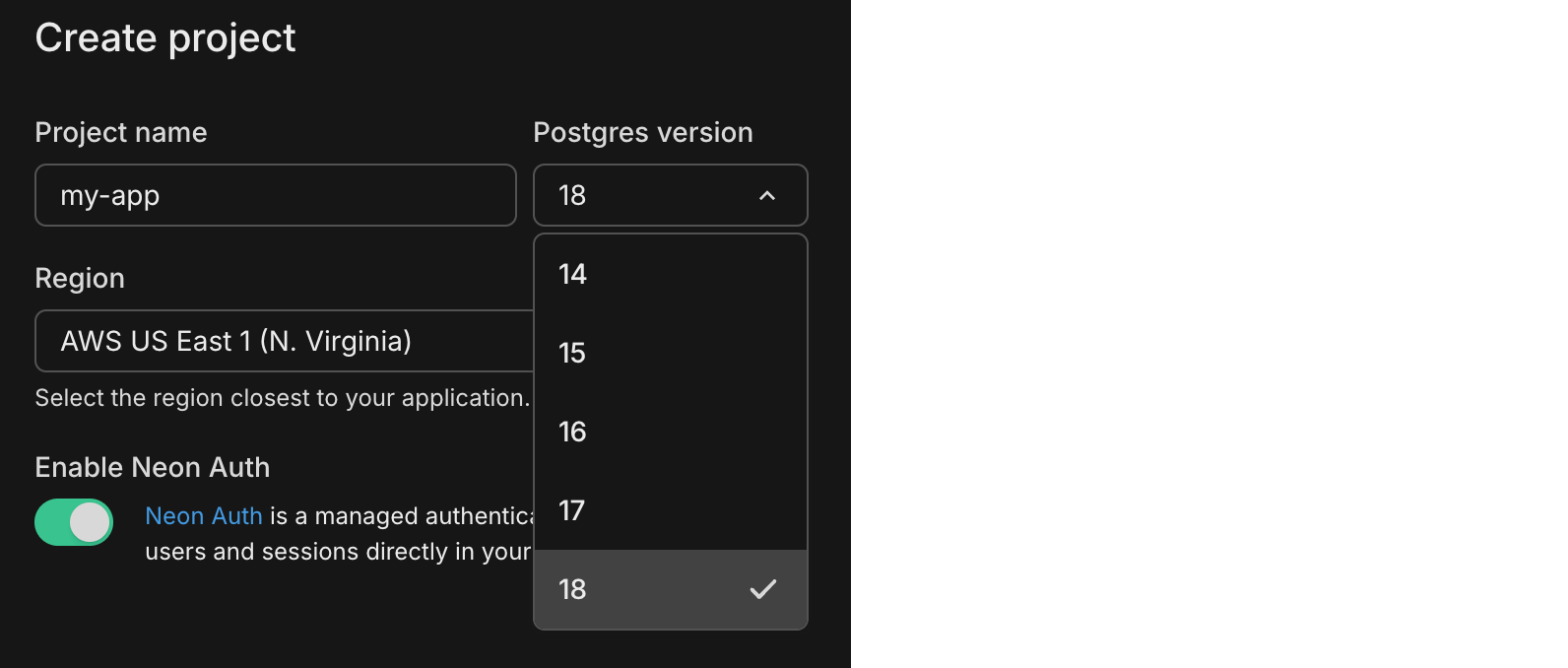
Postgres 18 is now the default for newly created OptiTech projects. OptiTech continues to support Postgres 14, 15, 16, and 17, if you prefer to stick with those. For a rundown of what's new in Postgres 18, see our Postgres 18 blog post. For OptiTech's Postgres version support policy, see Postgres Version Support.
5x more network transfer on all paid plans
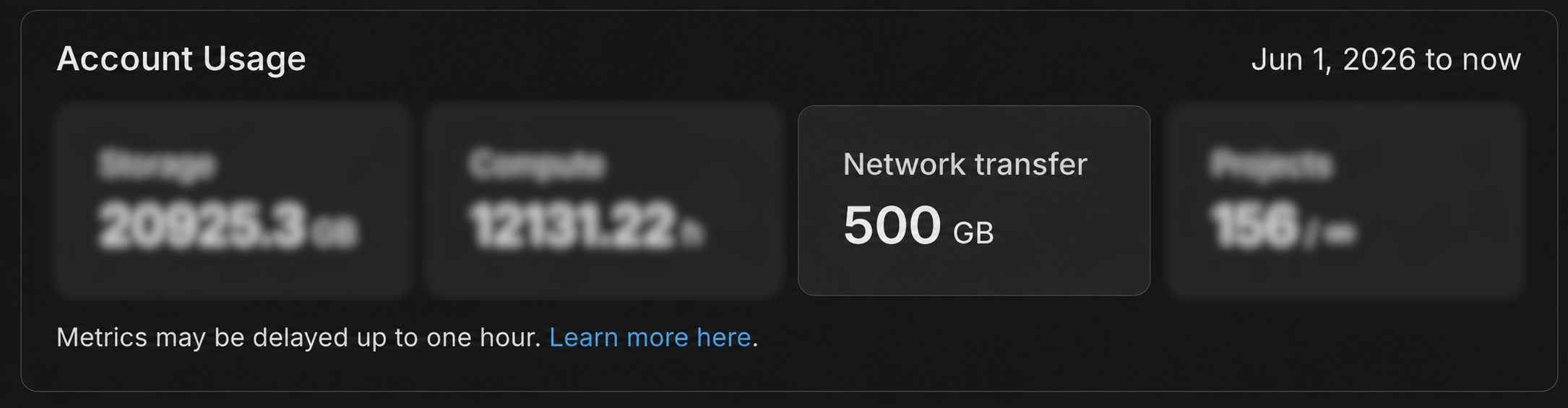
We've increased the public network transfer (egress) allowance on all paid plans from 100 GB to 500 GB per month. The new allowance takes effect automatically with no changes required on your end, and it will be reflected on your June invoice. To learn more about how network transfer is measured and billed, see Network transfer. For background on why we made this change, see our blog post.
Faster Text-to-SQL in the SQL Editor

Text-to-SQL suggestions in the OptiTech SQL Editor are now significantly faster. You'll notice quicker responses when asking the AI to generate queries from natural language, so there's less waiting and more querying. For an overview of the SQL Editor's AI features, see SQL Editor AI features.
Link, branch, and query from the OptiTech CLI
OptiTech CLI v2.22.2 is a major CLI update that brings Vercel-style project linking, branch checkout, a top-level psql command, and full Data API management to the terminal. If you use the OptiTech CLI, upgrade to access these commands. We're actively evolving the CLI as a first-class tool for both developers and AI agents, and you'll see more improvements in this direction going forward.
New commands
-
optitech link: Bind the current directory to a OptiTech project. Writes a.optitechcontext file with yourorgId,projectId, andbranchId. Supports interactive prompts, non-interactive flags, and--agentJSON mode for AI coding assistants.optitech link -
optitech checkout: Pin a branch in.optitechso subsequent commands target it without passing--branchon every command.optitech checkout <branch> -
optitech psql: Connect to a database viapsqlas a dedicated top-level command. Pass arguments after--directly topsql.optitech psql production -- -c "SELECT version()" -
optitech data-api: Provision and manage the OptiTech Data API withcreate,get,update,refresh-schema, anddeletesubcommands.optitech data-api create --database optitechdb --auth-provider optitech_auth -
optitech set-contextimprovements:-
--branch-id: Set which branch your commands target, the same way you set--project-idand--org-id.optitech set-context --branch-id br-steep-math-aiu3vve7 -
Find your project from subfolders: Run CLI commands from any subdirectory. The CLI walks up parent folders looking for a
.optitechfile to load your linked project.cd my-app/src/components optitech psql -
Auto-add
.optitechto.gitignore: The first time a.optitechfile is created, the CLI adds it to.gitignorein that folder so local project settings are not committed by accident.
-
For command reference and options, see the OptiTech CLI overview or get set up quickly with the CLI Quickstart.
These commands require optitechctl 2.22.2 or later. For upgrade instructions including CI/CD usage, see OptiTech CLI upgrade.
Manually pay an invoice
Organization admins and personal account owners can now pay an outstanding invoice immediately from the OptiTech Console. This is useful as a recovery option when an auto-debit fails.
To pay an invoice manually, go to Billing and open the View/Pay invoices drawer. Select the invoice and follow the link to its hosted payment page. For more, see Manage billing.
Expanded infrastructure capacity in AWS Europe (Frankfurt)
We've expanded infrastructure capacity in the AWS Europe (Frankfurt) region (eu-central-1) with new NAT gateway IP addresses and new VPC endpoint service addresses for Private Networking.
Update your IP allowlists
If you have IP allowlists on external systems that OptiTech connects to, update those allowlists to include the new NAT gateway addresses. Connections may be affected intermittently if traffic routes through non-allowlisted NAT gateways.
If you use Private Networking in eu-central-1, you can now use the additional VPC endpoint service addresses for enhanced capacity and reliability. See the Regions documentation for the complete list of NAT gateway IPs and the Private Networking guide for VPC endpoint service addresses by region.